What You'll Find in Your Child's Ploutus Lab Profile
Creating the profile asks for a nickname and a birth date. With those two pieces, the platform shows the range that fits, 4 to 6 or 7 to 10, with its classes and sheets. The date can be corrected after a birthday, and progress is kept. Each profile keeps what the child watched and did: classes, sheets and quiz results. With several kids, each has their own and they don't mix.
How to do it
On the controls side, three things stay in your hands. The daily screen time limit, which is 30 minutes by default and can be changed in minutes or hours. An optional PIN, which is needed to give extra time when they reach the limit. And the photo, which is also optional.
What it's for
For your child, the profile is the place where they see their route and progress, and where the time limit is something understood and not something negotiated. For you, it's the place from which you adjust the date, the limit and the PIN, and from which you review what they remembered.
What the research says
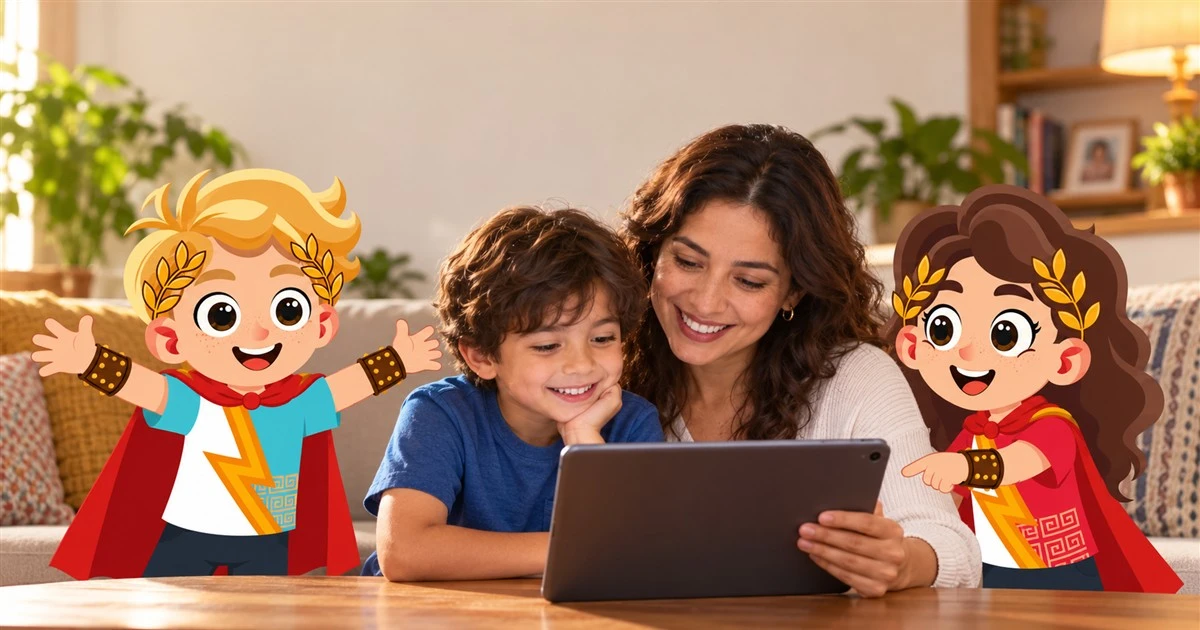
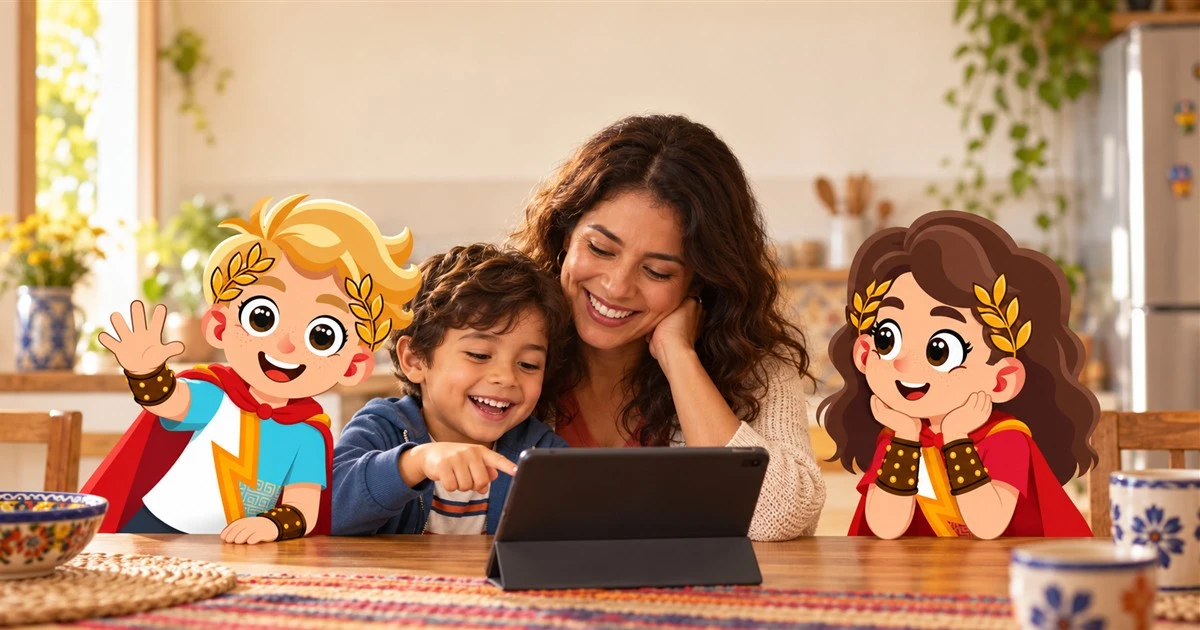
To make the profile feel like the child's, it helps to open it together before the first class. Daniel Pink, in Drive, describes that motivation grows with autonomy, with feeling that something is yours. Letting them choose their nickname and the first class, and explaining in one sentence what each part is for, makes the profile make sense to them.
What you'll see over time
In the first weeks it helps to look at the profile after each class to get used to what appears. Between one and six months the child starts opening their own route and choosing the next class. In the long run the profile is a record of what they've learned, one you can return to whenever you want.
Signs it's working
It's working when the child enters their profile on their own, when they know their time limit and when they ask you which class is next.
Understand that the profile keeps their route and progress.
Check your child's progress after each class.
Set up the screen time limit and the PIN.
"The profile is your child's and the controls are yours."
Most common error